Talk to Multiple
AI models at once.
How it works
Interact with multiple AI models simultaneously
Model Selection
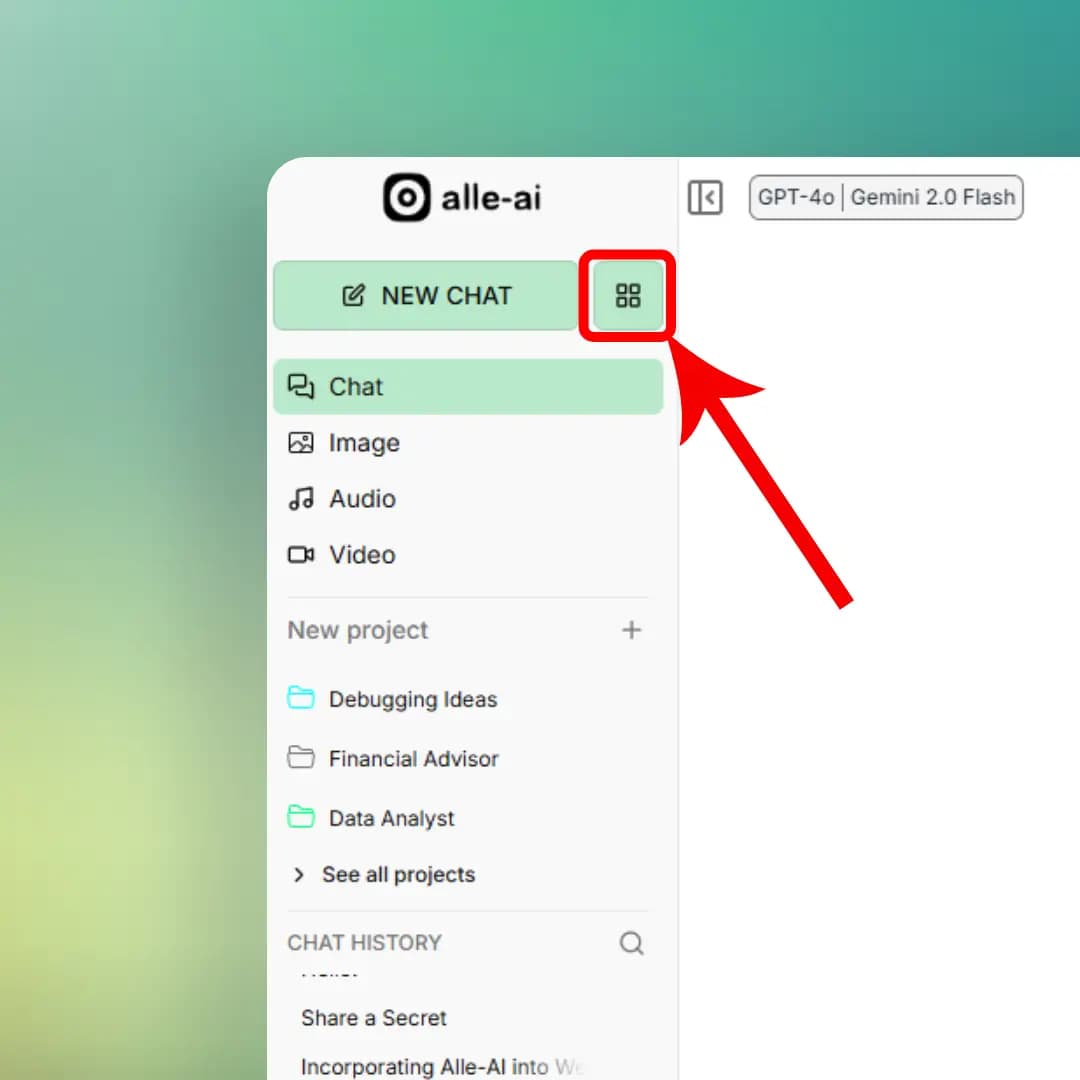
Click on the models menu icon to open the models menu.
The Prompt Bar
Everything in one place.
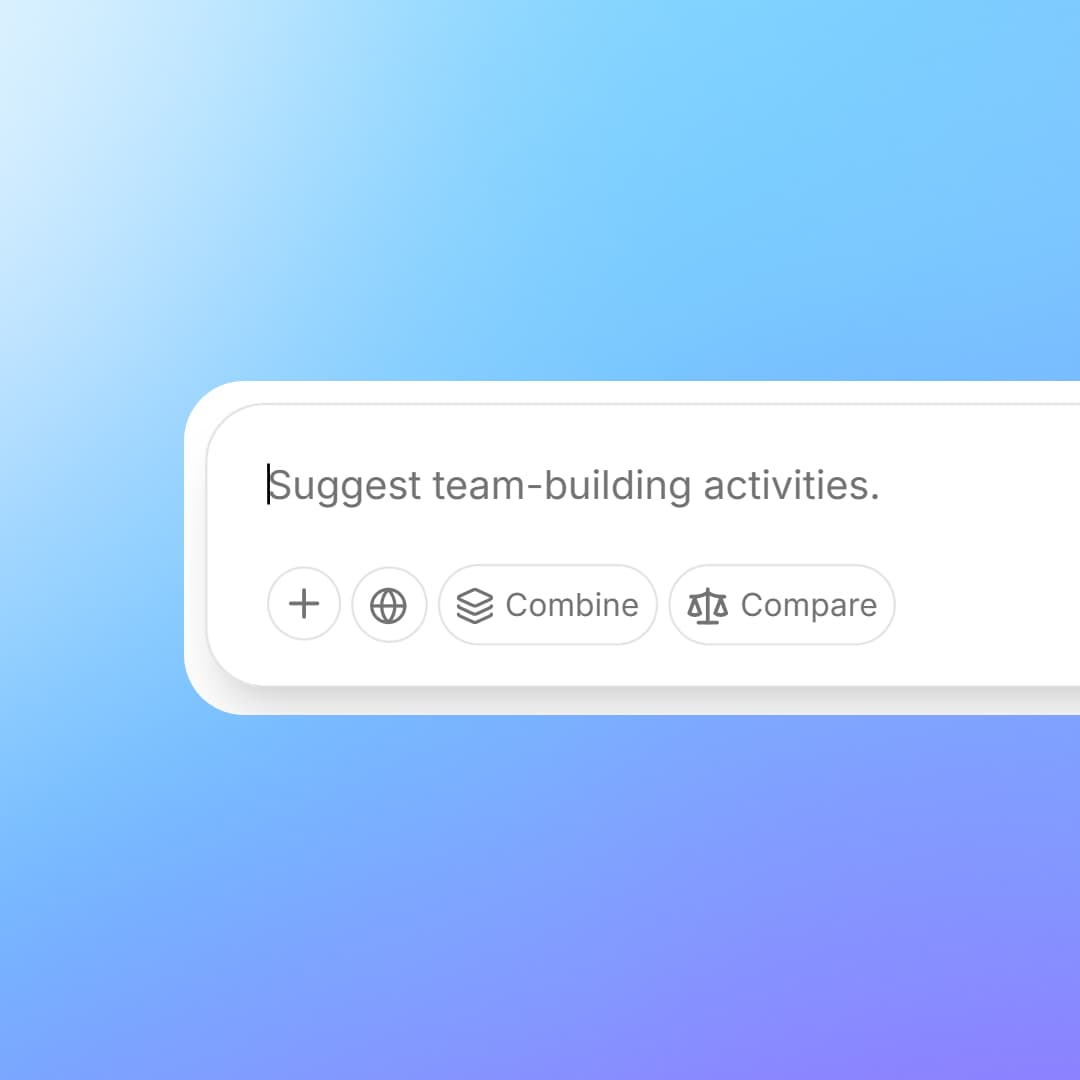
Your prompt bar is packed with powerful features, web search, file uploads, and quick access to Combine and Compare modes.
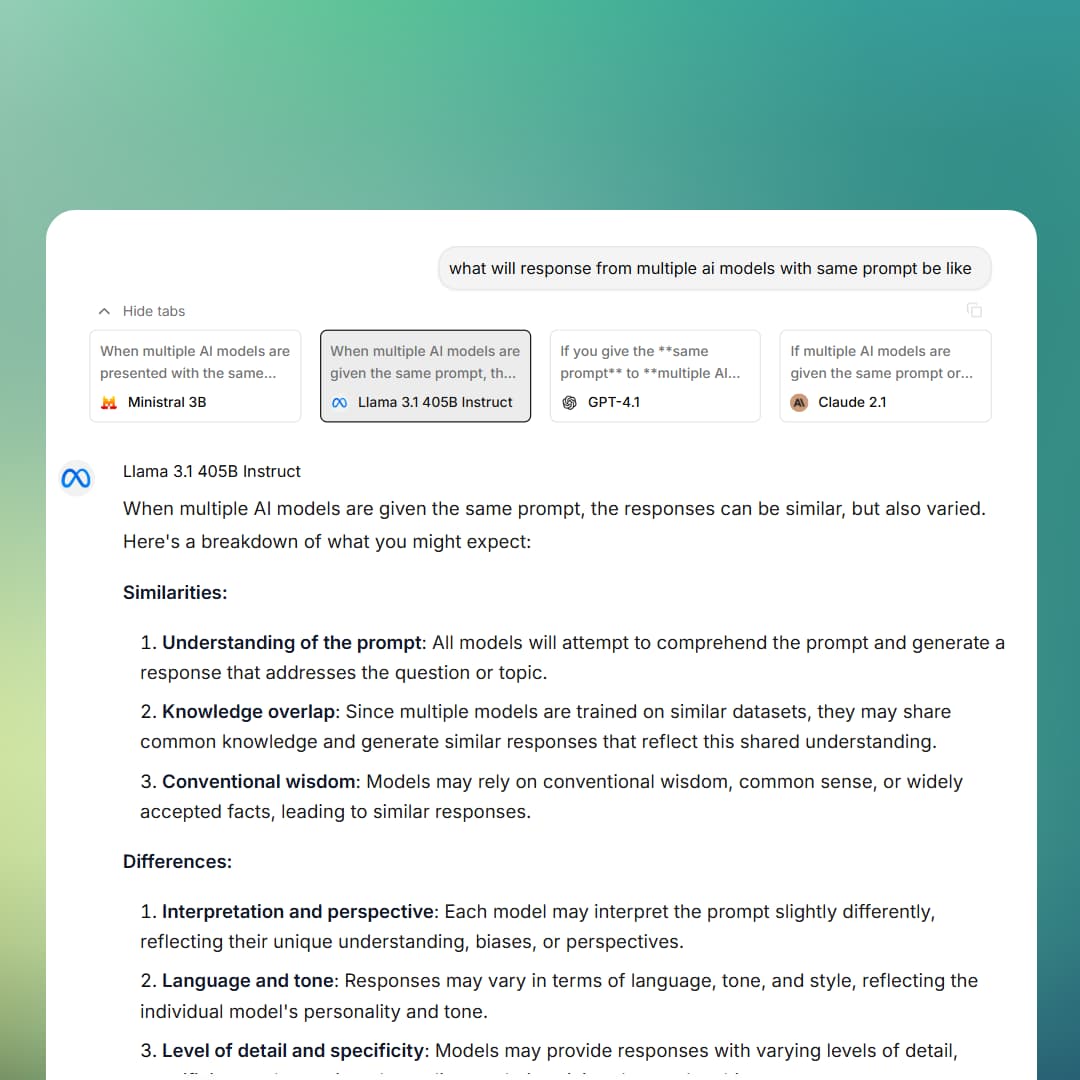
Model Responses
See responses.
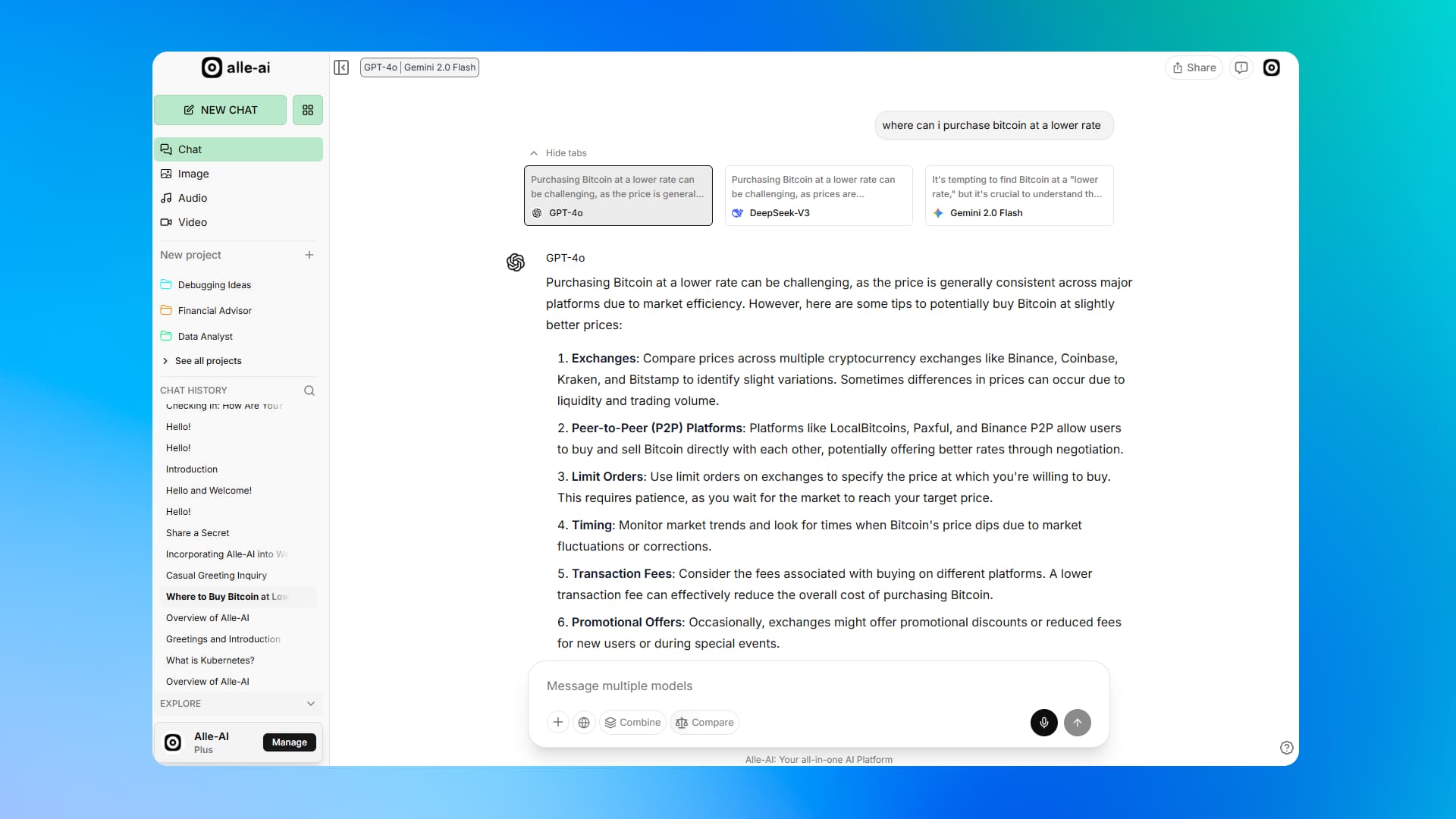
Each selected model responds to your query. Switch between them to see their responses.
No more opening multiple tabs or copying prompts around.
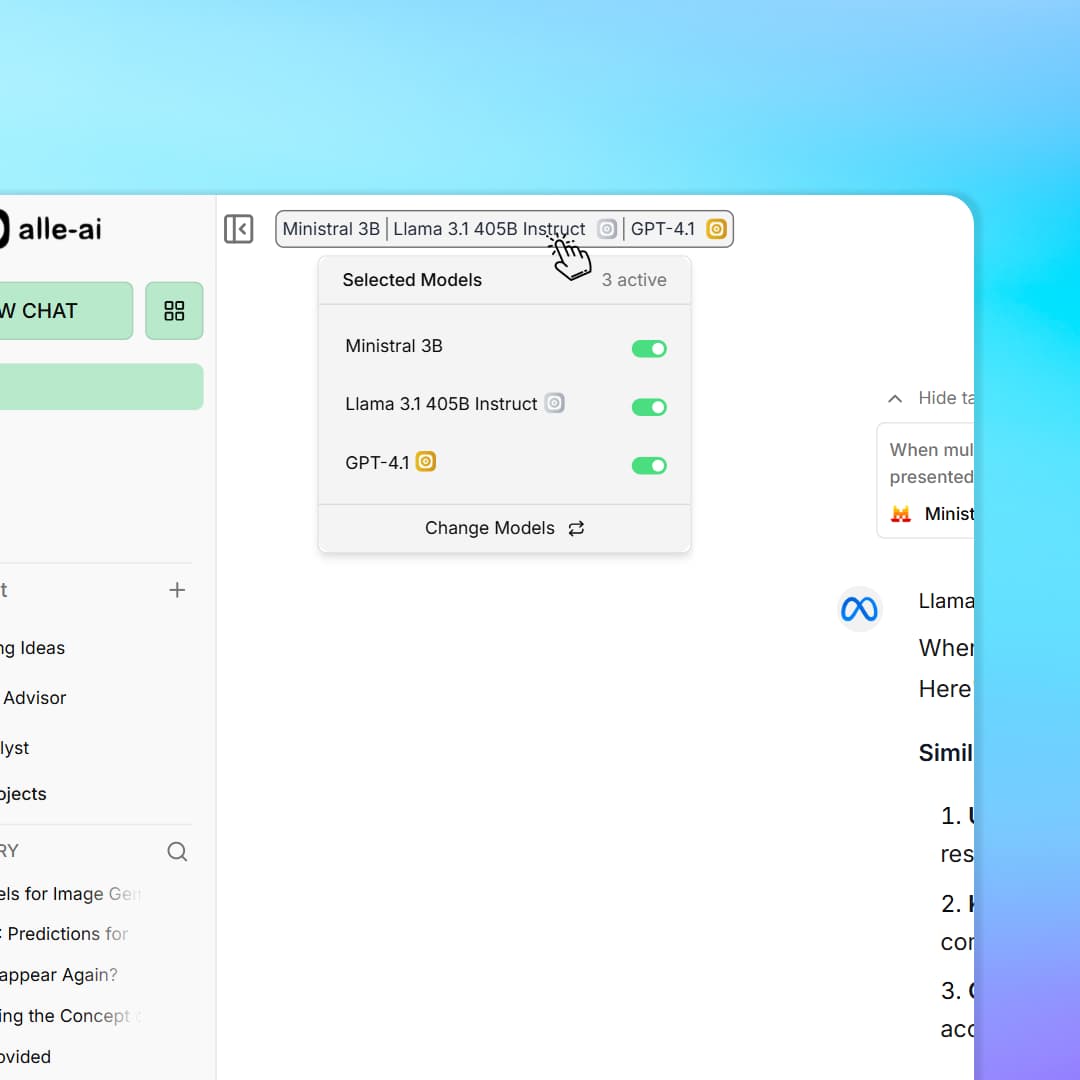
Dynamic Control
Toggle models mid-conversation.
Found a model that's not working well for a task? Turn it off.
The selected models appear at the top of your screen. Click any to enable or disable it on the fly.
Projects
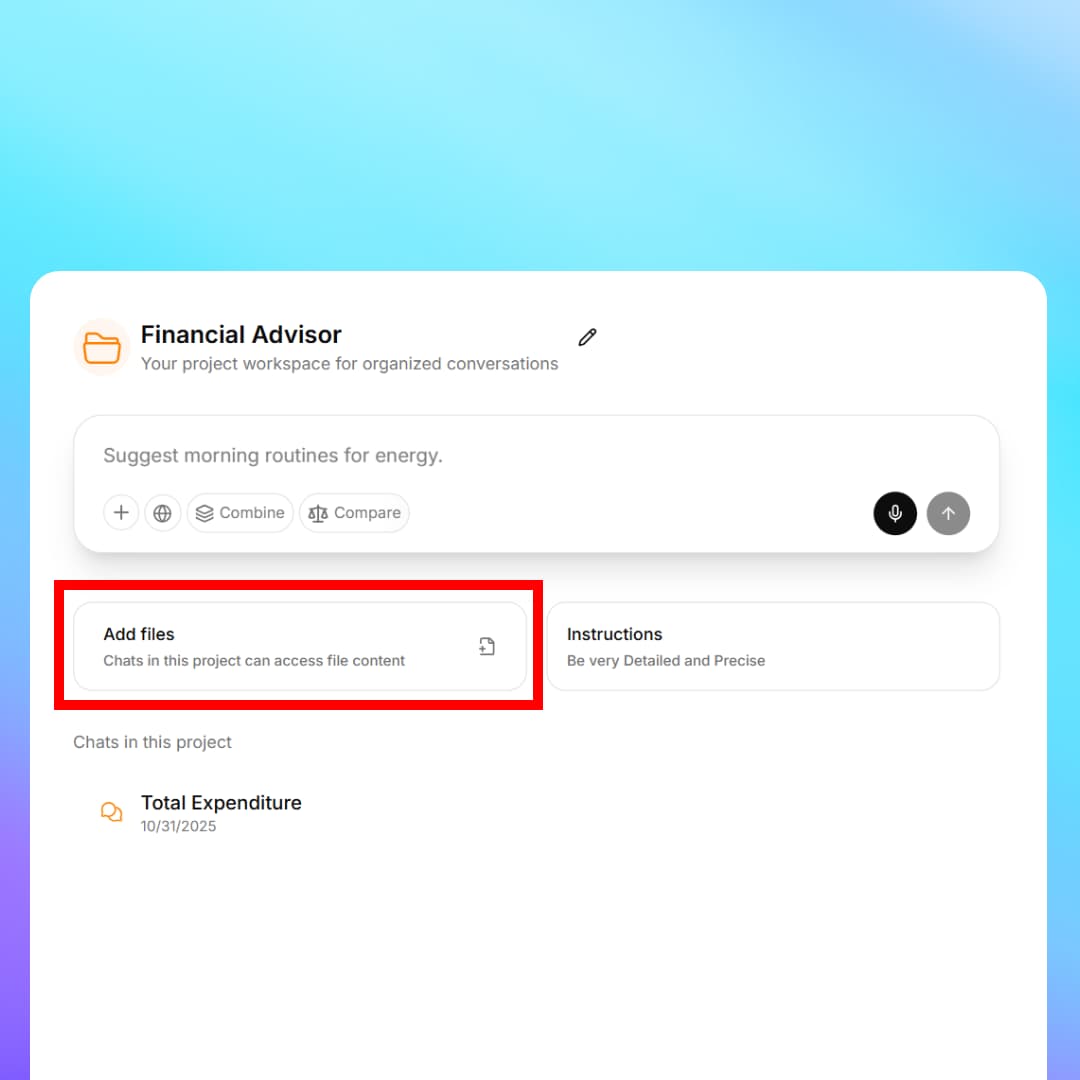
Create a project and let multiple models answer from your files.
Add files to your project. Models will use them as context for your conversations, giving you accurate answers grounded in your own data.